Find the model and capacity
Open Settings → General → About. Record the model name and capacity so your quote matches the iPhone you are selling.
 we buymobile phonesMy account
Selling an iPhone starts with the right details. Confirm its model and capacity, check battery health and tell us about any repairs or parts warnings.
Indicative quote. Final offer confirmed after inspection.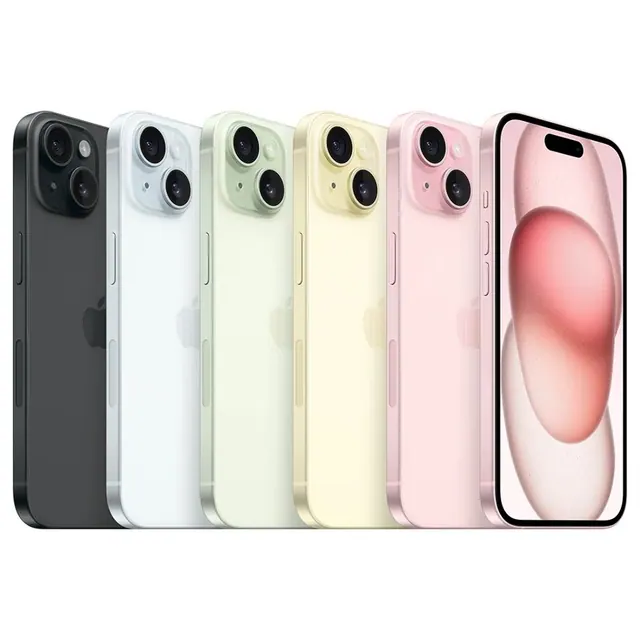
Open Settings → General → About. Record the model name and capacity so your quote matches the iPhone you are selling.
Include the battery health reading if available, service messages, replacement-screen details and any Parts and Service History warnings.
Back up your data, remove the iPhone from your Apple Account and turn off Find My to remove Activation Lock. Erase it and remove your SIM before dispatch.
Our iPhone purchase policy starts at iPhone 8. Earlier models are excluded. Use the directory to confirm your exact model and supported storage option.
A repaired iPhone can be assessed manually. Disclose the replacement screen, whether it is genuine if known, and any warning messages so the team can provide an appropriate offer.