Confirm the configuration
Record the manufacturer, model, processor, RAM and storage. Include the model year if known and explain whether its charger is included.
 we buymobile phonesMy account
A laptop’s configuration matters as much as its name. Find your laptop in the catalogue or request a personal quote with its processor, memory, storage and condition.
Indicative quote. Final offer confirmed after inspection.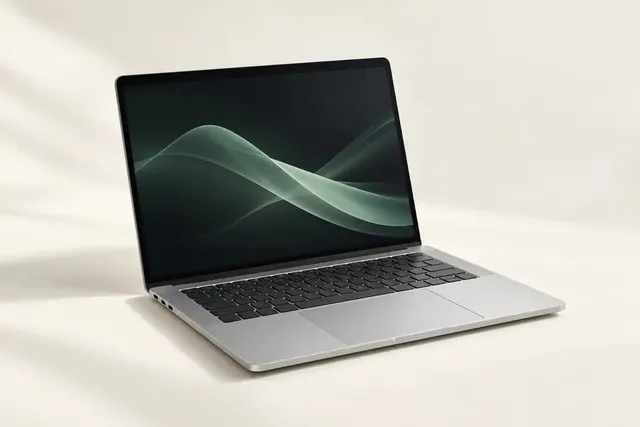
Record the manufacturer, model, processor, RAM and storage. Include the model year if known and explain whether its charger is included.
Describe screen or keyboard damage, ports, charging, battery warnings and any repairs. Tell the team if the laptop does not power on.
Back up files, sign out of your accounts and remove device locks. Follow the manufacturer’s reset instructions before sending it. Do not post a swollen or damaged battery.
Use the personal quote option. Provide the brand, exact model and specifications so the team can review the device rather than guess its value.
Wait for the team’s posting instructions. Pack it securely and follow the instructions specific to your sale; postage arrangements are confirmed before dispatch.